


GDPR
Compliant
Designed to comply with GDPR principles: data minimization, guaranteed access and deletion rights.



AI separates the subject from the scene: blur the whole background or specific areas, then export. No download, no watermark.

121,801 photos and videos anonymized

AI keeps the subject sharp and masks the background — adjust the area and blur strength on the timeline.

Download a clean video with a professional background blur, ready to publish.
Compliant
Designed to comply with GDPR principles: data minimization, guaranteed access and deletion rights.

Encrypted files
End-to-end encrypted HTTPS/TLS connections to protect files during transfer and studio access.

Cloud infrastructure
Hosting on ISO 27001 certified cloud infrastructure for information security management.

ANONYMIZATION GUARANTEED
Ephemeral mode available: automatic file deletion after processing and no reuse to train our models.
Yes. The free tier lets you test background blur on your clips before choosing higher limits — no watermark on exports.
Yes. The AI separates the person or object in focus from the scene and only blurs the background, frame by frame.
No. Everything runs online in your browser — it works from a computer, tablet, or phone without installing anything.
Yes. You can blur the whole scene or draw specific zones (a screen, a logo, a bystander) and the blur follows them.
MP4, MOV, and WebM are the most common formats in the studio.
12+ photo and video processing tools.
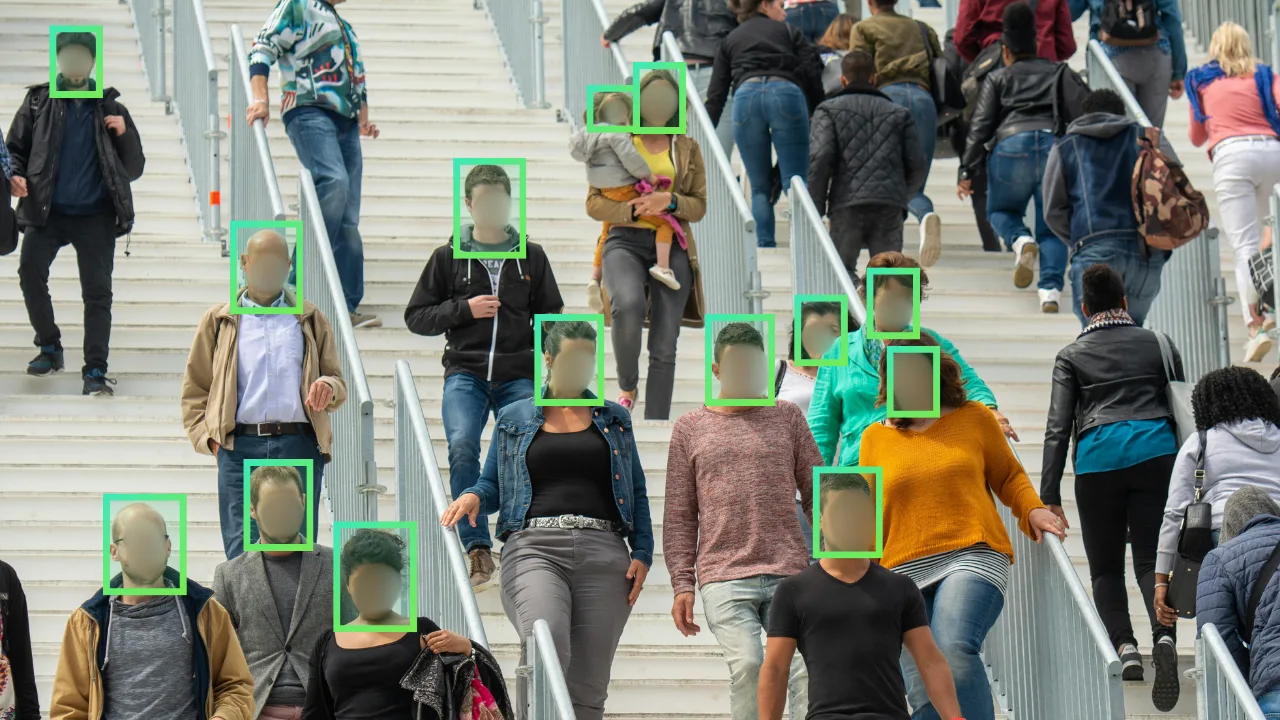
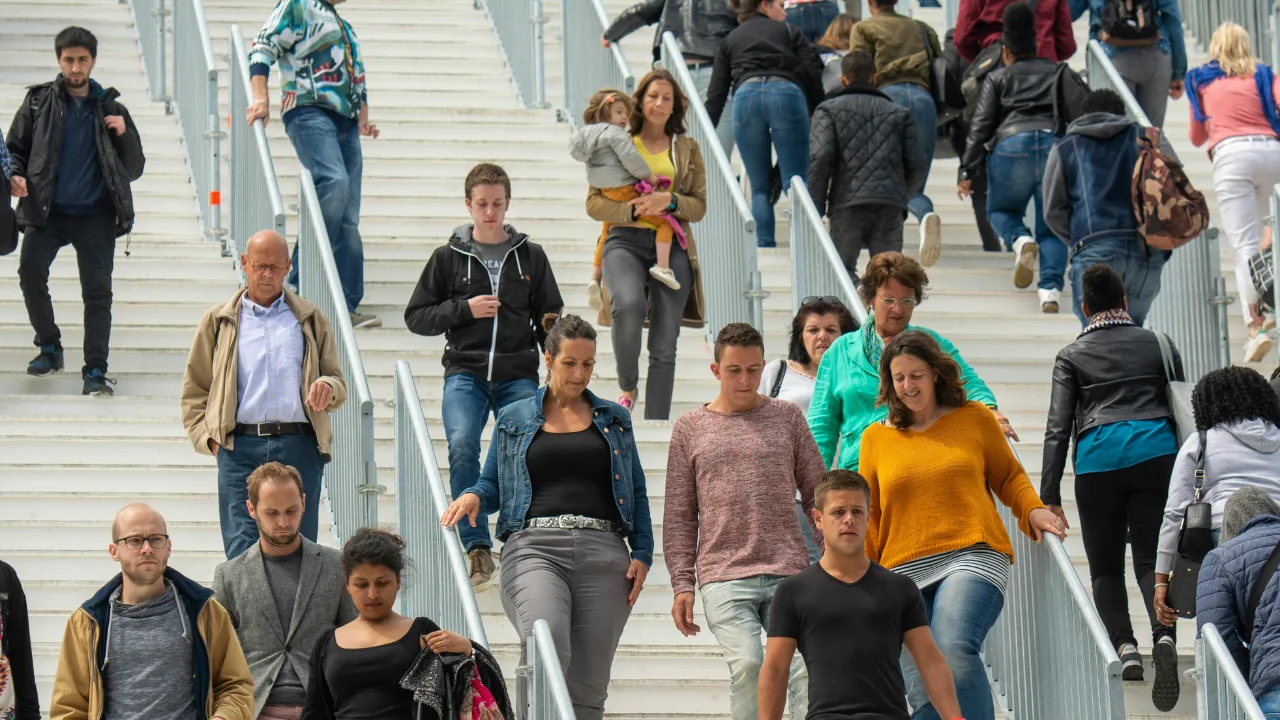 Before
Subject detection and background blur in one online tool.
Start for free


