

How to convert AVI to MP4 online (Guide 2026)
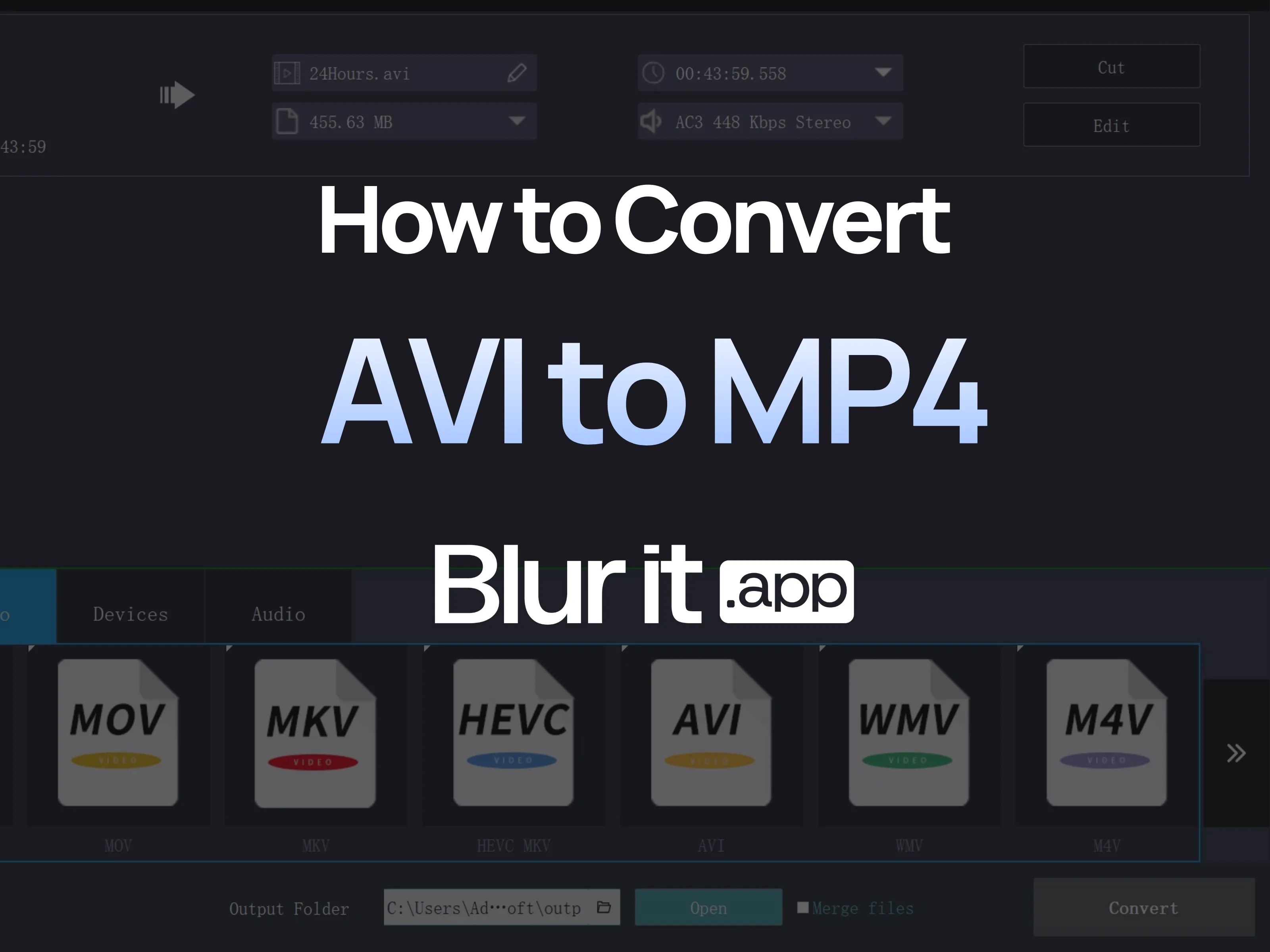
How to convert AVI to MP4 online (Guide 2026)
Have an AVI file that won't play on mobile, WhatsApp, or social media? The simplest solution is to convert it to MP4. And if you also need to anonymize (faces, plates), YouBlur.com lets you chain conversion + blurring from the browser, without installing software.
Why convert AVI to MP4?
The AVI format (Audio Video Interleave) dates from the 90s and has several drawbacks today:
- Limited compatibility: Modern smartphones and tablets often don't read AVI
- Large file size: AVI doesn't use modern compression codecs (H.264/H.265)
- Difficult sharing: Social networks and video platforms generally don't accept this format
- Obsolete quality: Codecs used are less efficient than MP4's
MP4 (H.264/H.265) has become the universal standard: it's readable everywhere and offers an excellent quality/size ratio.
The fast method with YouBlur.com (100% online)
If your goal is a simple result compatible everywhere, YouBlur.com lets you convert your AVI videos to MP4 directly from your browser, without installation.
Conversion steps with YouBlur.com
- Open YouBlur.com free trial and import your AVI file
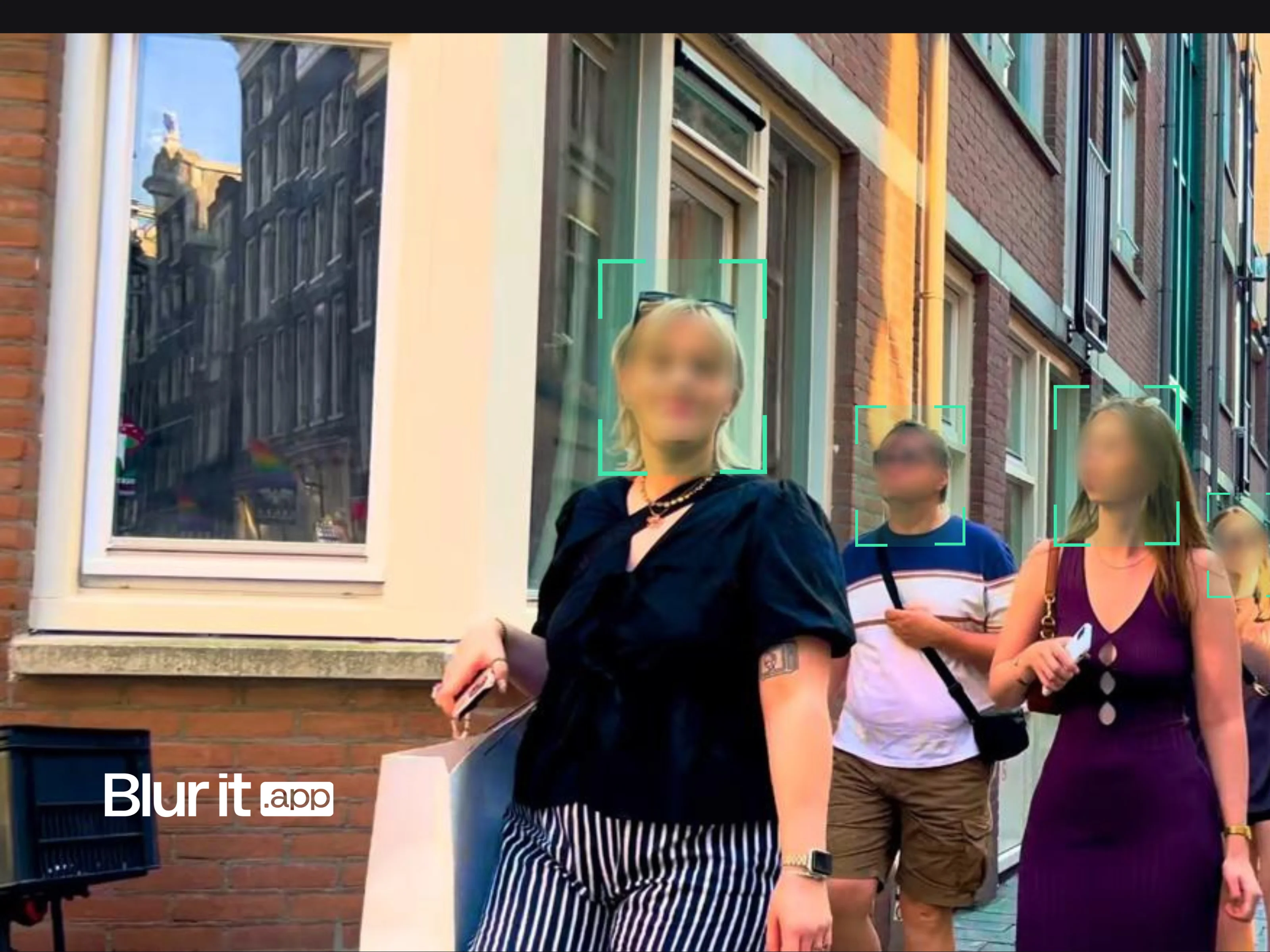
- If needed, enable automatic blurring (faces, plates, sensitive areas) — optional
- Export: you get a video ready to publish, in MP4 format
Advantages of YouBlur.com for conversion
- No installation: Works directly in the browser
- Conversion + anonymization: You can do both in one operation
- Preserved quality: High-quality export (up to 4K with Pro plan)
- GDPR compliant: Data hosted in Europe
- Free trial: 3 free videos without credit card
Conversion solution comparison
| Solution | Installation | Fast conversion | Anonymization (blurring) | GDPR compliance |
|---|---|---|---|---|
| Basic online converters | No | Yes | No | Variable |
| Local software (HandBrake, VLC) | Yes | Variable | Possible but manual | Yes (local data) |
| YouBlur.com | No | Yes | Yes (automatic AI) | Yes (Europe) |
Use cases: when to convert AVI to MP4?
- Old family videos: Modernize your archives to share easily
- Surveillance videos: Convert and anonymize at the same time for GDPR compliance
- Professional content: Adapt your videos for social networks or platforms
- Storage optimization: Reduce file size without losing quality
Conclusion
For most uses, converting AVI → MP4 is mainly a compatibility issue. If you publish videos where people can be identifiable, YouBlur.com lets you convert and anonymize in a single workflow, without installing software. All in minutes, 100% online, with a free trial.
Note: We cite known solutions for informational purposes. This guide's goal is to help you succeed with your conversion and publication using YouBlur.com.